Turn Your Text Into
Studio-Quality Speech
In Seconds.
Paste Your Text And Click Play For Instant Preview.
Click CREATE WAV When You're Ready To Generate The Finished Downloadable File.
Switch To The Casting Tool For Multi-Voice Productions.
Script Input
0 Characters
1.00x
Queued...0%
0 Of 0 Segments Complete
Click PLAY For Instant Preview With Active Text Scrolling. Click CREATE WAV For Final Downloadable WAV Render. Finished WAV Exports Are Stored Securely. Long Builds Save Progress Automatically, And You Can Resume From The Last Completed Point If Needed. Free Preview Includes 5,000 Characters. Paid Packages Include 20,000, 100,000, 250,000, Or 500,000 Characters.
EZ Text To Speech
Designed For Authors, Narrators, Podcasters, And Course Creators
Who Want Production-Ready Audio Without Wrestling With Complex Software.
Quick ConvertPaste Text - Press Play
Casting ToolMulti-Voice Production
Author-Scale BuildsPreview First - Build Final WAV
Built For Long-Form Projects
Single-Voice Mode
Instant Preview + Final WAV
Preview Immediately, Then Start The Final WAV Build When You Want The Finished Downloadable File.
Failure Recovery
Saved Progress + Resume
If A Long Build Needs To Be Resumed, Your Progress Stays Saved So The Render Can Continue From The Last Completed Point.
Character Packages
Free 5K - Paid From $20
Choose 20,000, 100,000, 250,000, Or 500,000 Characters When You Are Ready For Larger Builds.
EZ
EZ Text To Speech
Author Grade TTS
Multi-Voice Studio
Casting Tool Workspace
Create A Voice Cast For Your Manuscript, Assign A Narrator Or Character Voice To Each Role, Preview The Result, Then Build The Final WAV When Ready.
Multi-Voice CastingActive Preview EditingPreview Before BuildFree 5,000 + Paid Packages From $20
Enter One Character Per Line.
If A Character Appears Under Multiple Names, Place Those Variations On The Same Line Separated By Slashes. Submitted Labels Are Treated As Intentional Speakers, Including Short Names, Titles, Descriptors, Or Pronoun-Style Cast Names.
One Character Per LineGroup Name VariationsIntentional Cast LabelsPreview First
Phonetic Pronunciation Guide
Control How Names, Places, And Unusual Words Are Spoken.
Add One Pronunciation Rule Per Line. You Can Use Original = Spoken Form, Original Sounds Like Spoken Form, or Original Rhymes With Reference Word. The Manuscript Display Stays Unchanged; Preview And BUILD WAV Use The Spoken Form For Audio.
PhoneticSounds LikeRhymes WithApplies To Final WAV
Manuscript
Paste The Manuscript To Prepare The Voice Cast.
Queued0%
0 Of 0 Segments Complete
Cast Voice Assignments
Review The Voice Rows, Choose A Voice For Each Role, And Remove Any Role You Do Not Want As A Separate Voice. Name Variations Entered With Slashes Stay Grouped Into The Same Voice Row.
0 Cast Voices
Active Preview / Correction Studio
During Preview, The Currently Playing Text Scrolls Into View And Highlights Automatically. If You Hear A Miscue, Stop Playback And Edit The Active Segment's Speaker Or Delivery Text.
0 Segments
Run DETECT CHARACTERS To Create The Active Preview Map.
Selected Segment
No Segment Selected
Waiting
Speaker Override
Original Text
Select A Segment Or Start Preview.
Delivery Edit
Studio Guidance
Start With The Cast List
Add Each Major Speaker, Narrator Role, Or Recurring Voice Label. Group Alternate Names On One Line, Such As Marcelline / Marcy. Submitted Cast Labels Are Treated As Intentional Speakers.
Name Variations
A Single Line Creates A Single Voice Row. Use Slashes When Different Names Refer To The Same Character.
Phonetic Pronunciation
Use Original = Spoken Form, Original Sounds Like Spoken Form, Or Original Rhymes With Reference Word. The Displayed Manuscript Remains Unchanged While The Audio Uses The Corrected Spoken Form.
Active Preview Editing
As Preview Plays, The Matching Text Scrolls And Highlights. Stop When You Hear A Miscue, Then Adjust The Selected Segment's Speaker Or Delivery Text.
Preview First
Preview Uses The Selected Role Voices Before Creating The Final GCS-Stored WAV. Make Adjustments, Preview Again, And Build Only When Ready.
Character Usage
Free Preview Includes 5,000 Characters. Paid Packages Include 20,000, 100,000, 250,000, Or 500,000 Characters. Characters Are Tied To Successful Cloud Audio Generation Under The Active Account Package. Cast-List Setup, Manuscript Detection, Voice Assignment, Project Saving, Downloads, And Re-Downloads Do Not Use Characters By Themselves.
Long-Form Safety
Typing, Pasting, Editing, Cast Setup, And Project Saving Do Not Use Characters.
Saved Progress For Long GCS-Primary WAV Jobs.
Failed Or Incomplete Segments Should Not Be Counted As Complete Successful Audio.
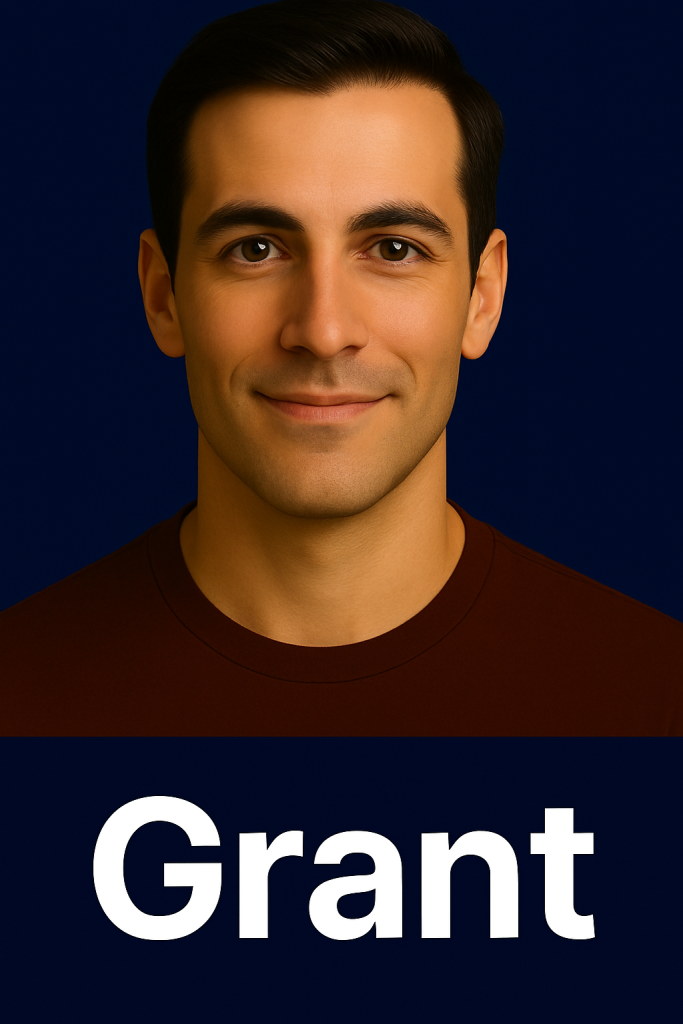
Click Here To Preview Grant
Click Here To Preview Mira
Standard English (Also: United Kingdom / Australia / India Accented Variations)
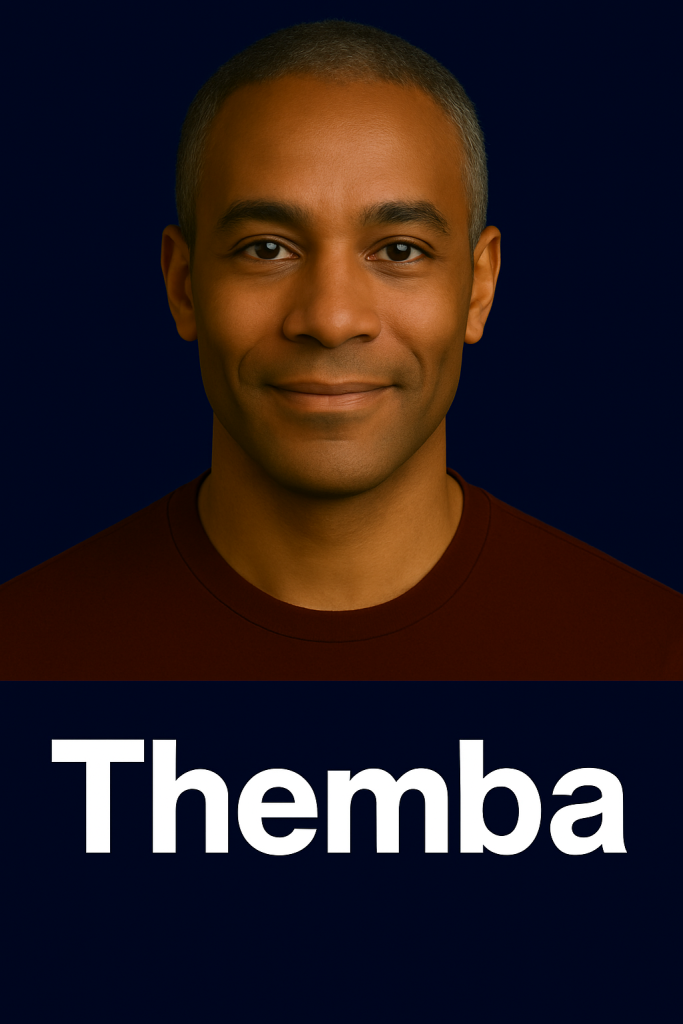
Click Here To Preview Themba
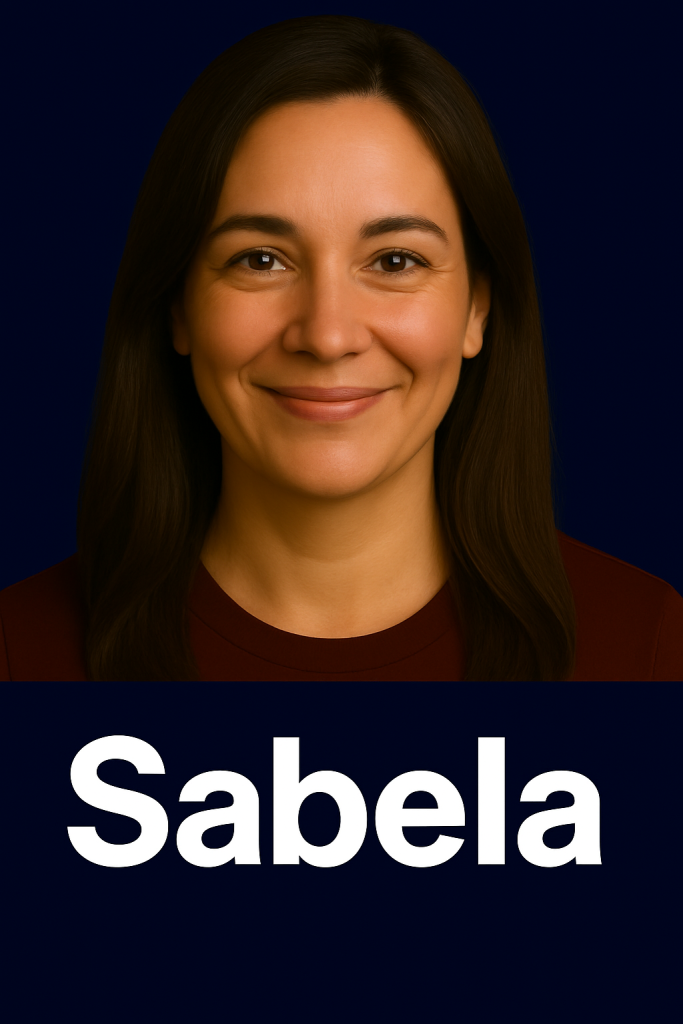
Click Here To Preview Sabela
Spanish (Including Latin American Spanish Accent)
Click Here To Preview Han Lei
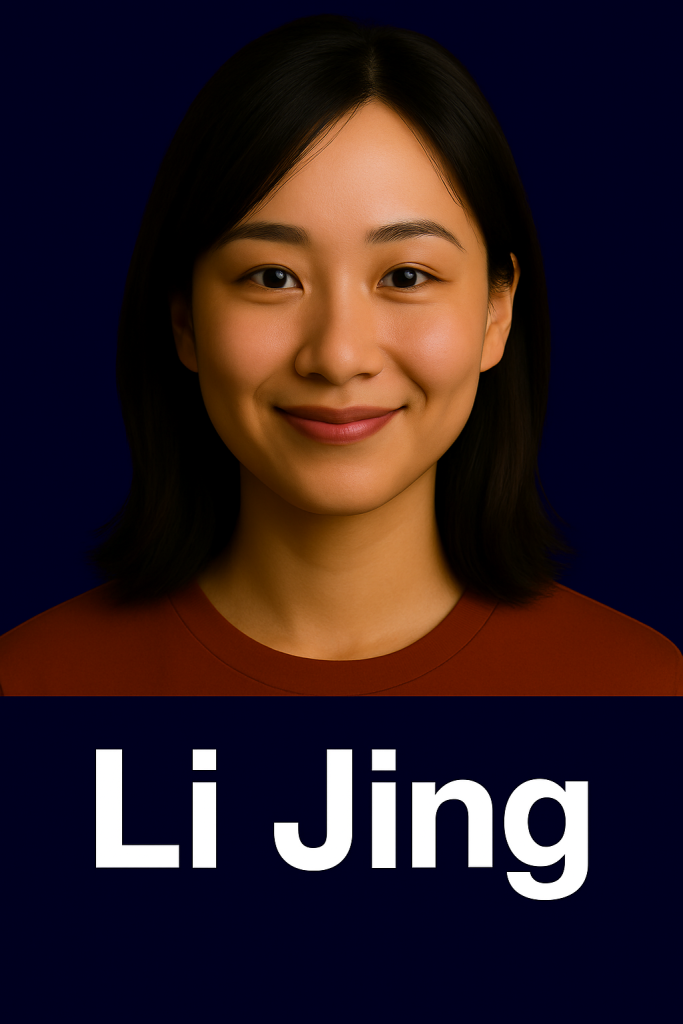
Click Here To Preview Li Jing
Mandarin Chinese (Mainland & Taiwan)
Click Here To Preview Arjun
Click Here To Preview Asha
India Languages (Hindi · Gujarati · Marathi · Punjabi · Tamil · Bengali · Kannada · Malayalam)